Transferring Within NSDL (NSDL → NSDL)
- 4 min read
- 1,016
- Published 24 Feb 2026
When This Applies:
Your old broker uses NSDL AND Kotak (which uses NSDL) – Both accounts are in the same depository.
Offline Transfer via DIS Slip (If You Prefer Paper)
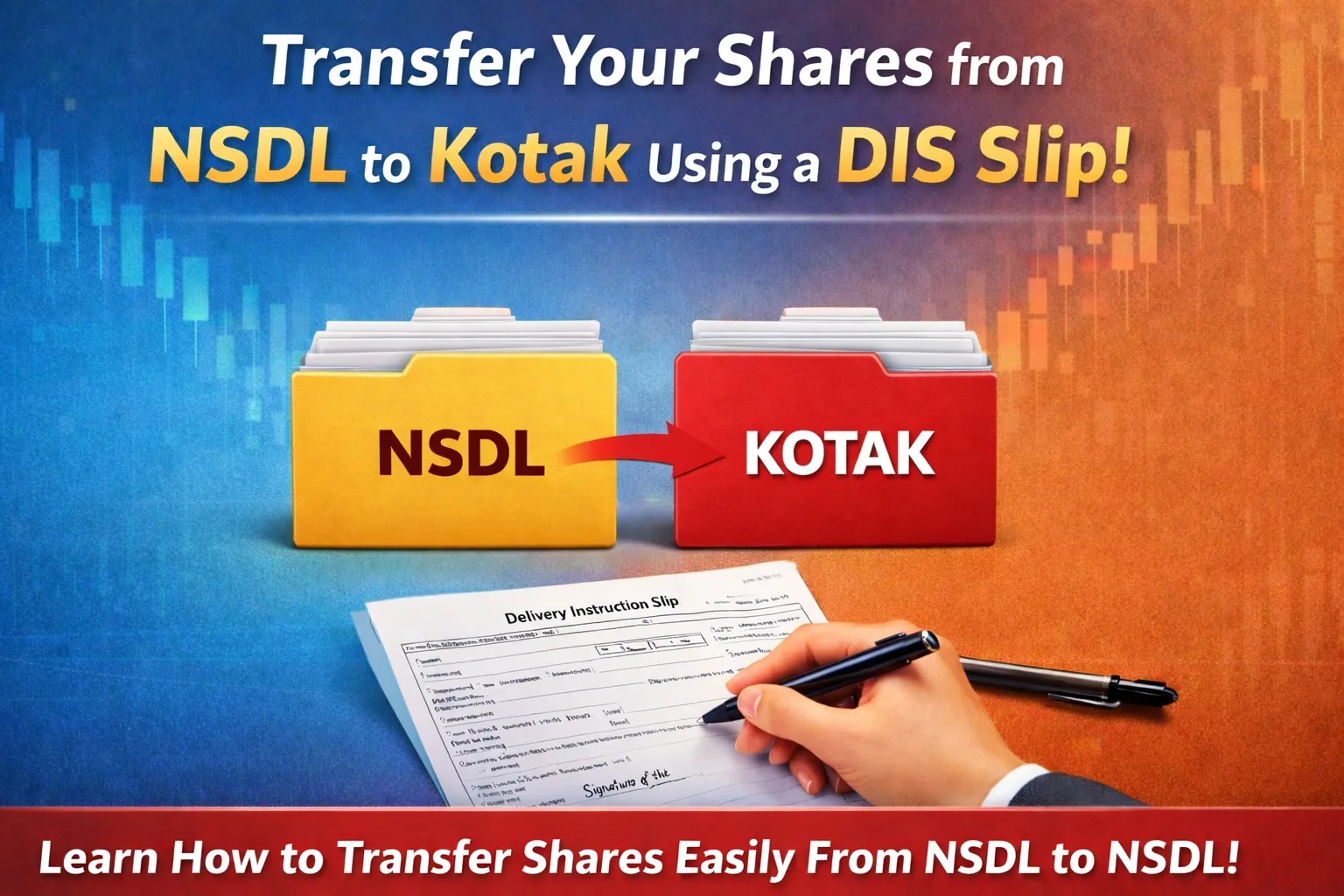
If you prefer offline method, fill in a Delivery Instruction Slip (DIS) and send it to your broker to complete the transaction.
Step 1: Request a DIS Booklet
Contact your old broker via Call support/Email and ask for ‘DIS booklet for off-market transfer’.
You can also check for brokers website and download (If available)
Ensure you request:
-
NSDL DIS (not CDSL – they have different formats)
-
A physical booklet or printed slips
Step 2: Fill the DIS Slip
The DIS is a standard form with sections to fill:
Section 1: Your Account Details
-
Source DP ID: Your current broker’s DP ID
-
Source Client ID: Your 8-digit demat number
-
Your name: As per DP records
-
Your PAN
Section 2: Target Account Details
-
Target DP ID: IN300214 (Kotak’s NSDL ID)
-
Target Client ID: Your 8-digit Kotak demat number
-
Target DP Name: Kotak Neo
-
Target PAN: Your PAN
Section 3: Securities Details Create a list of what you’re transferring:
Section 4: Transaction Details
-
Transfer Type: Off-Market Transfer (not “Market Trade”)
-
Depository Type: NSDL-to-NSDL
-
Reason: “Own Account Transfer” or “Self-transfer”
-
Consideration Amount: 0 (no money involved)
Section 5: Sign the Slip
-
Date: Today’s date
-
Signature: Sign exactly as per your DP specimen signature (very important)
-
For joint accounts: All holders must sign in the correct sequence
Step 3: Submit the DIS
Choose Your Method:
Option A: In-Person at Branch
-
Visit your broker’s branch office
-
Bring the signed DIS slip
-
Hand over to the DP operations desk
-
Request: “Acknowledgment receipt with reference number”
-
Keep the receipt for tracking
Option B: Courier/Registered Post
-
Send via registered post with acknowledgment due
-
Keep the postal receipt
-
Send to your broker’s operations address
Option C: Email (if your broker accepts)
-
Scan the signed DIS clearly
-
Email to your broker’s support
-
Subject: “DIS for Off-Market Transfer – [Your Name]”
-
Keep the email confirmation
Step 4: Processing
Your broker’s DP team will:
-
Verify your signature and DIS details
-
Check that all info is correct
-
Submit to NSDL’s system
-
NSDL processes and executes the transfer
Timeline:
-
Broker processing: 2-3 working days
-
NSDL execution: 3-4 additional working days
-
Total: 5-7 working days (slightly longer than Speed-e)
Step 5: Verify in Kotak
Check your Kotak holdings within 5-7 days to confirm receipt.
✓Transfer Complete! The shares have moved from your old account to Kotak.
0 people liked this article.