
How can I modify the Stoploss trigger price and Target Price?
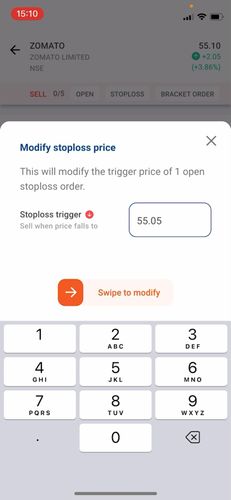
- You can modify the Stoploss trigger price and/or the Target price from the “Open orders section”, By clicking on the individual entry and then selecting the “Modify option”.


- For example, Modifying the stoploss price at Rs. 55.05 to hit/trade the stoploss leg order.
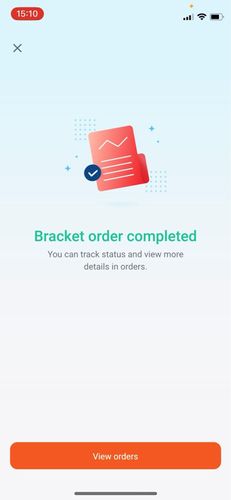
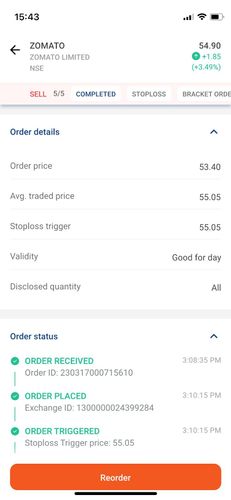
- We can see that the Stoploss order has completed at 55.05 and the Target order of 61.10 has been canceled.


Did you find this helpful?
Yes
Open Demat Account