
How can I invest more or exit from my smallcase?
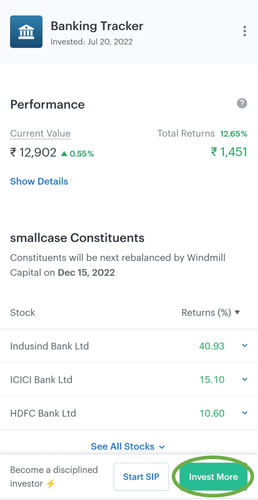
Once invested in a smallcase, and if you want to invest more:
- Select a smallcase, click Invest More
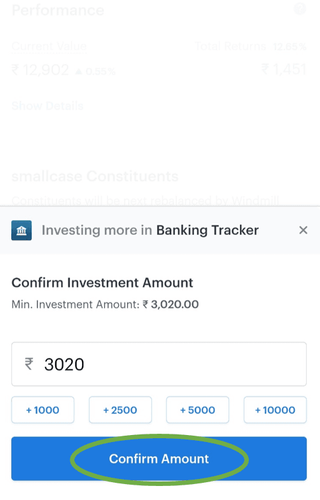
- Confirm the amount you want to invest
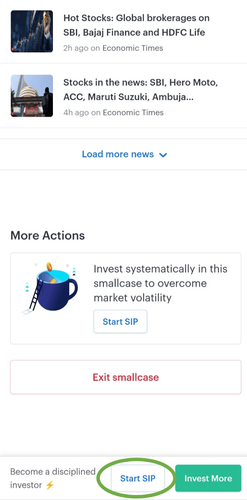
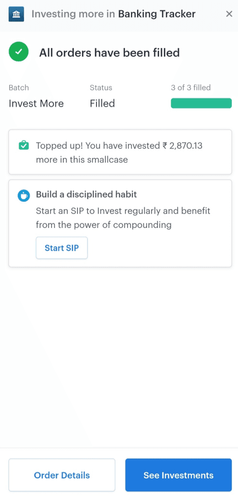
Pro Tip: To invest regularly, consider starting an SIP
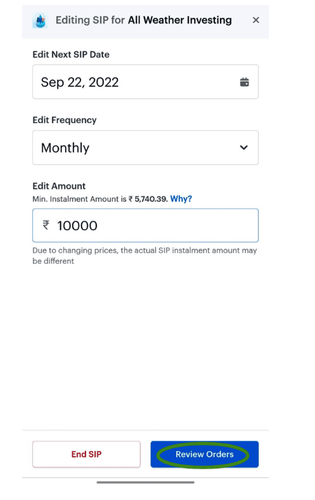
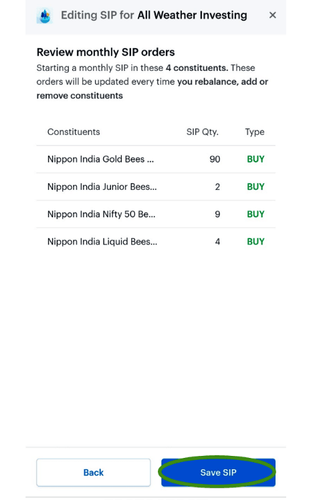
Starting a SIP
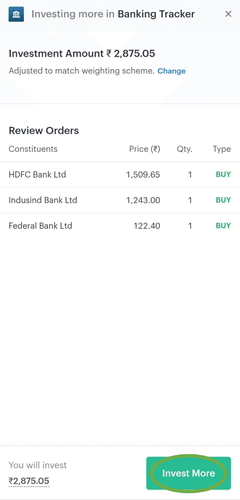
- Review and place your orders
Invest More

If you want to exit:
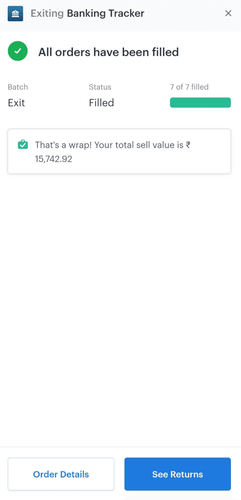
Exit Smallcase
- Select a smallcase, click Exit smallcase
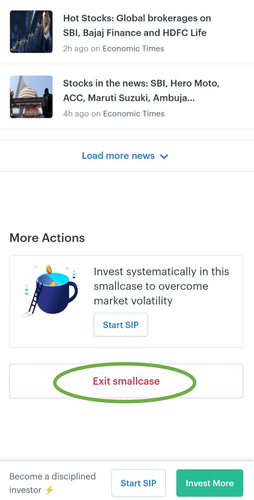
- You can choose to exit completely or partially from your smallcases
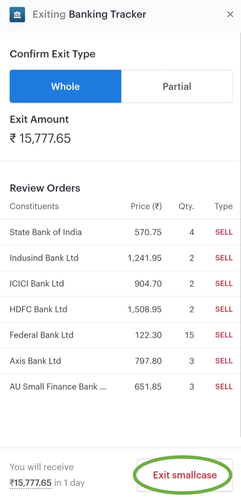
- You can also sell individual stocks if you want
Good To Know: There is no lock-in period on your investment, you can exit anytime
Did you find this helpful?
Yes
Still have questions?
When I exit my smallcase, does it just sell my existing investments, or does it also cancel my ongoing SIP?
Can we check the status of the SIP on the day of SIP execution?
Where should I keep my funds for smallcase investment?
What happens if I sell my smallcase holdings from my portfolio under the Investment tab?
Open Demat Account