Kotak Neo Trading App
With Advanced Tools, Expert Insights, and Unmatched Features at your fingertips, you can trade like a pro.
Reviews and Ratings


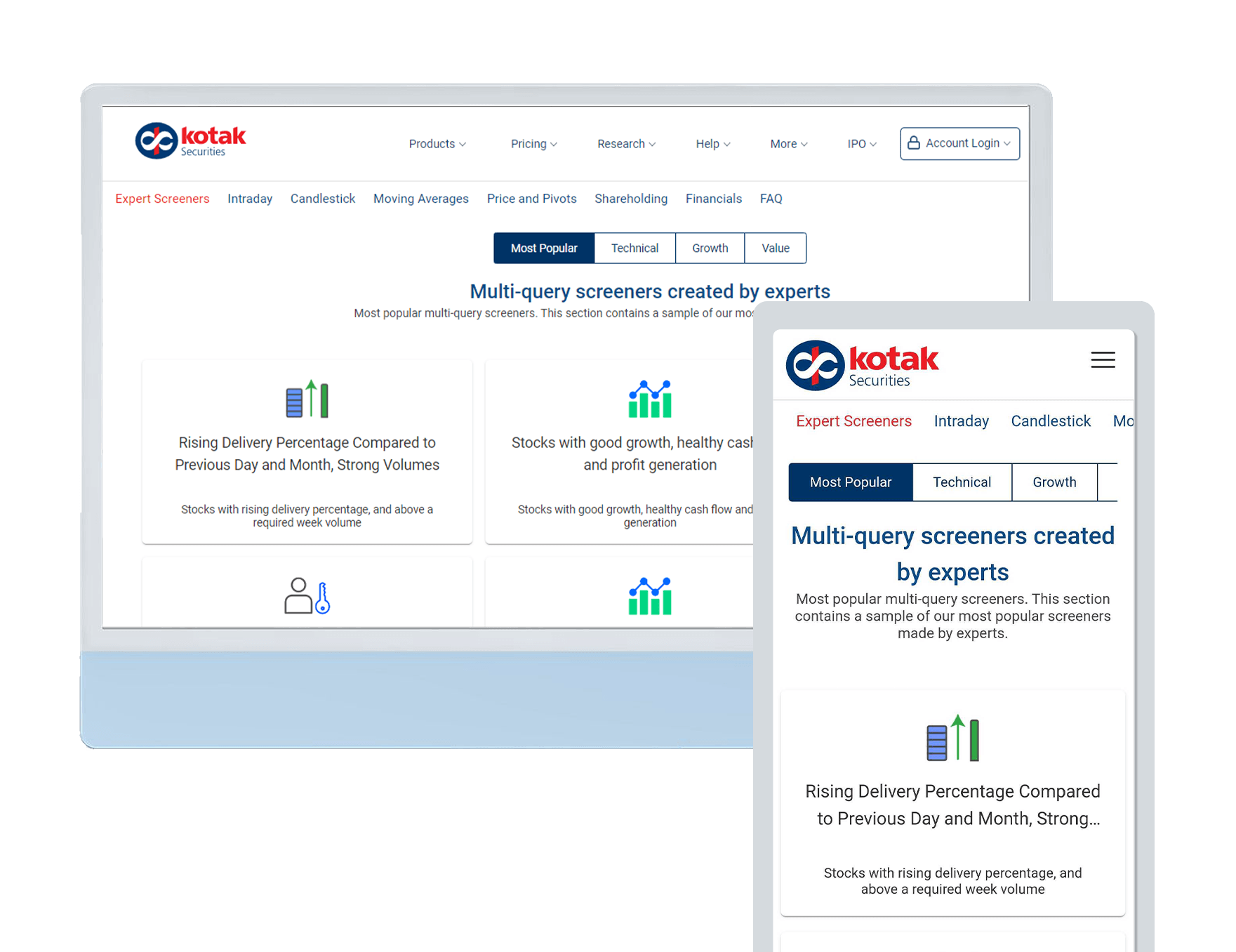
StockCase elevates basket investing with expert-curated and custom baskets, plus easy tracking.
Kotak NEST
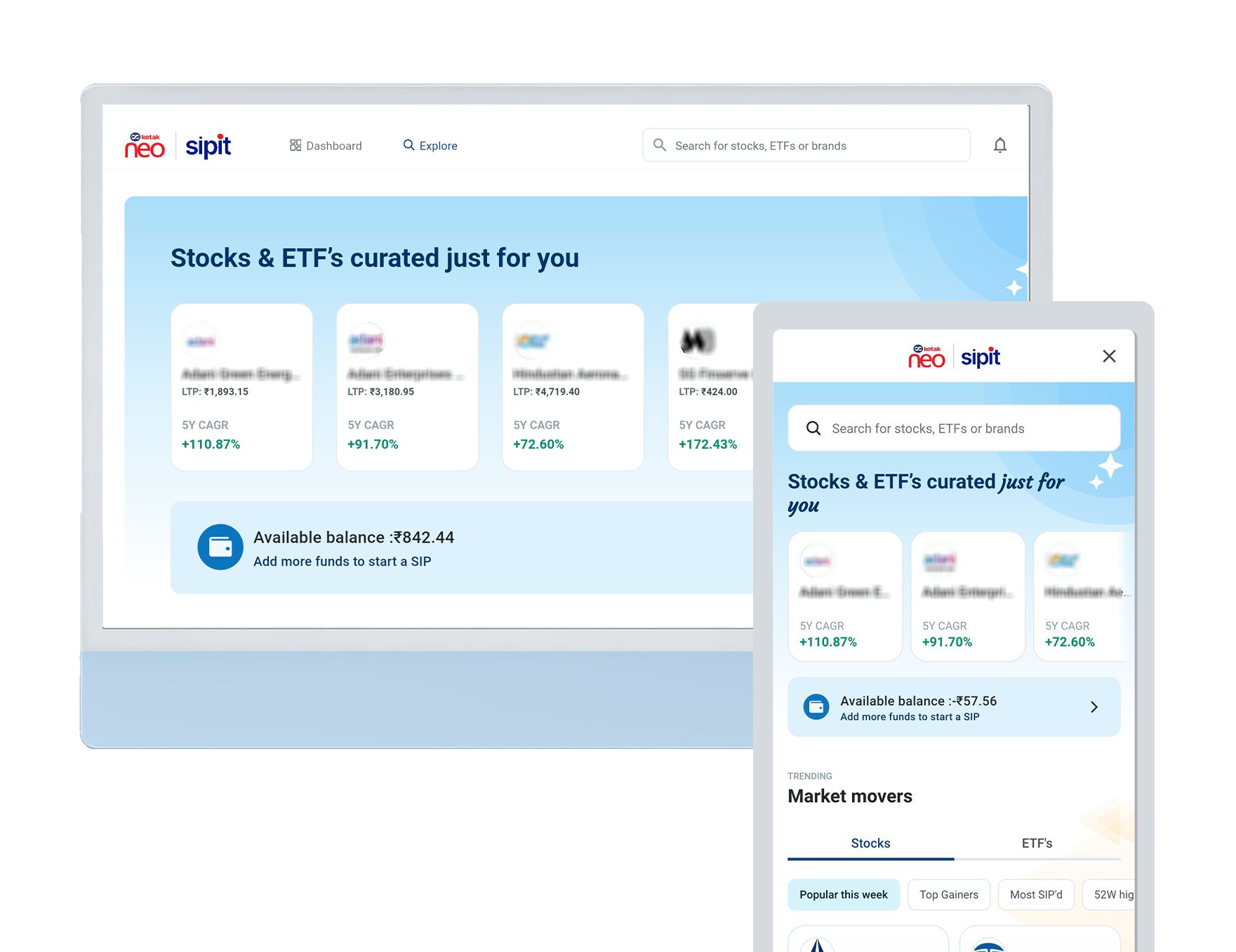
Unlock the power of Nest and enjoy seamless access to Kotak Neo. Evolve your experience with a contemporary interface designed to cater to your trading needs.
Kotak Neo Trade API
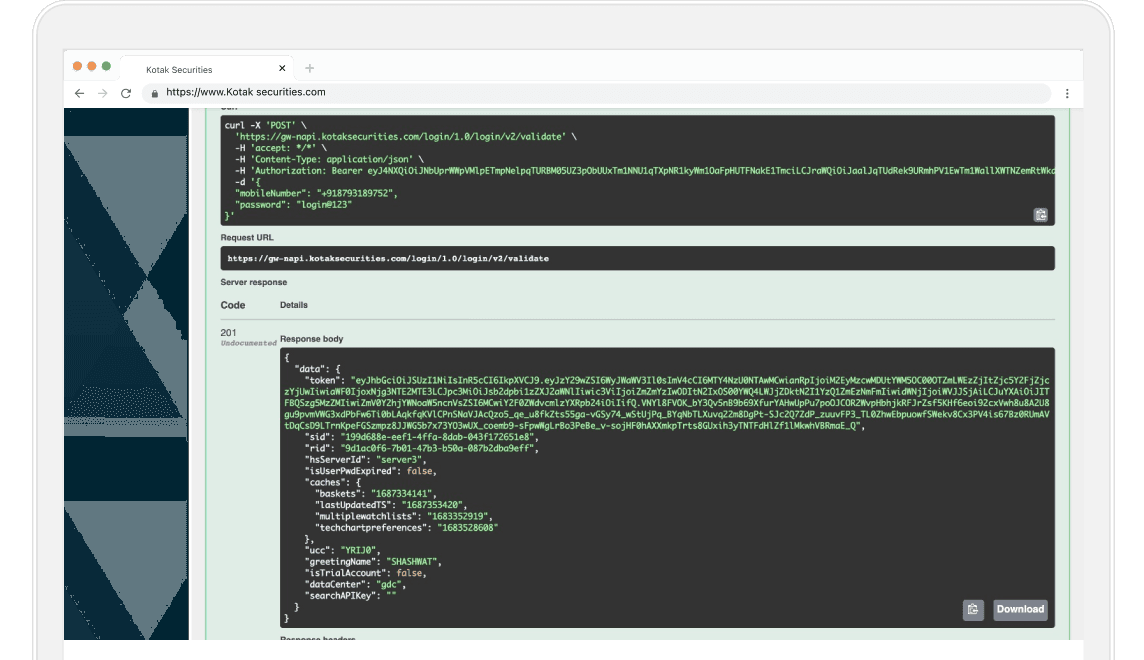
Unlock limitless possibilities with Kotak Neo Trade APIs. Empower your trading experience like never before. Enjoy real-time execution so you can trade seamlessly.
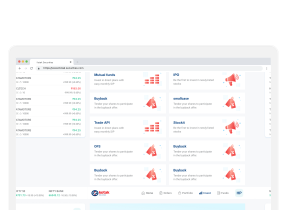
Neo Web
Unlock the power of smart investing on the go! Your gateway to intuitive trading, real-time market updates, and personalized investment strategies.
Still have questions?
To get started, download the Kotak Neo Neo mobile app
Android users- Click here to download
iOS users- Click here to download
Once you have installed the Neo app on your mobile,
- Open the app and click on Account setup
Note: Do not click on 'Login' unless you have setup your account on Neo. Your existing Kotak Neo ID and password will not work on Neo.
-
Enter your mobile number and PAN
-
You will then receive an email from Kotak Neo on your registered email address. Click on Setup your Neo account and open with Kotak Neo app (Check your promotions or spam folder in case you do not find the mail)
-
Enter the 4 digit OTP received on your registered mobile number
-
Set your password
-
Set your M-PIN
Your account is ready to use. For subsequent login, you can simply use your M-PIN.
To set a new M-PIN,
-
Go to the screen where you enter the M-PIN and click on "Forgot M-PIN?"
-
For verification purpose, enter your registered mobile number and PAN number
-
A reset M-PIN link will be sent to your registered email ID. Please check your inbox for the same
Please look for emails from Kotak Neo in your spam/junk folder and move it to the safe sender list if you find it there. That way all future emails from us will land directly to your 'Inbox' and you will never miss out on any important update on your Kotak Neo Neo account For the time being, emails from Kotak Neo may continue to land in your promotions folder for Gmail users
-
In the email, click on the reset M-PIN button and select open with Kotak Neo app
-
Enter the OTP sent to your registered mobile number
-
Choose and enter your new M-PIN and click on reset M-PIN
-
Your new M-PIN is now set and you can proceed to login with the same
There are no separate charges for using the Neo mobile app. Your brokerage plan continues the same as before.
If you are on the Trade Free Plan, you can find out more details here.
We offer two different platforms for trading:
Kotak Neo Neo mobile app Neo is a contemporary interface designed to evolve to the way you trade. It is a feature-rich application with some of the features listed below:
- Seamless transfer of funds
- Trade in cash, F&O and currency
- Access streaming quotes to track movements
- Monitor top gainers and losers
- Access live news and Kotak fundamental research
- MTFs, commodity, buyback, OFS, trade APIs and other enhancements coming soon!
Kotak Neo Nest Trader Nest is our desktop based trading terminal that allows you to trade equity, commodity, F&O and currency. It is one of the most robust, fast and stable trading platforms. It has a range of features which enable you to customize your trading experience, some of them are:
- Quick order execution
- Multiple watchlists
- Numerous shortcut keys
- Basket order
- Option chain with greeks
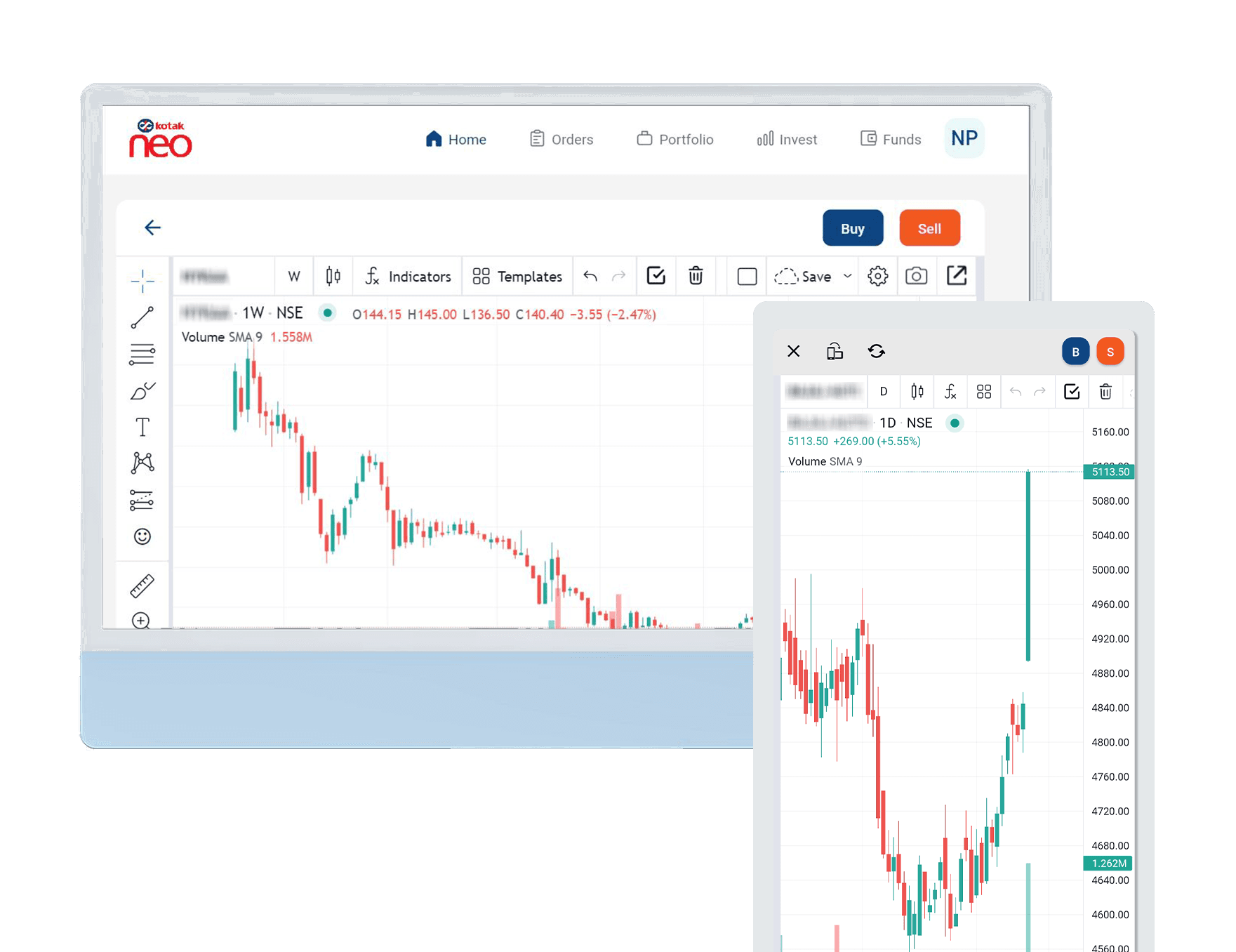
- Charting and analytics
- Link live broadcast to excel sheet
Know how to get access to the Neo mobile app
You can make a fund transfer by using netbanking, UPI, Kotak's Direct Access or via IMPS/NEFT/RTGS. To transfer funds,
- Go to the funds section from home screen and click on the deposit button
- Enter the amount you would like to deposit
- Select a payment method such as netbanking, UPI, Direct Access or IMPS/NEFT/RTGS
For UPI transfer,
- Enter the UPI ID of your linked bank account
- Validate the live payment request received from Kotak Neo in your UPI app
To pledge your shares,
- Go to the funds section and click on "pledge shares for more margin"
- You will see the eligible list of shares that can be pledged, along with the margin. Select the shares and quantity you wish to pledge and click on the pledge button.
Once you submit your request, you will receive an SMS and email from the depository (NSDL) within few hours. You will have to authorize the pledge request at the depository to activate the pledge.
- Click on the link received in the SMS/email
- You will be redirected to NSDL webpage, where you will be required to enter the PAN number to be able to generate an OTP
- Enter the OTP received on your registered mobile number and email to authorize the pledge request
- Once the pledge request is successful, you would receive margin in your trading account on the next trading day
You can now login to the Kotak Neo Neo app to invest using the margin received against the pledged shares.
Your mutual funds can also be pledged if they are eligible for the same. Click here to check the list of mutual funds eligible for pledging and the margin given against each.
Note: In case, you do not see a mutual fund in the pledge section of the app, although it is present in the above list of eligible mutual funds for pledging, you can get in touch with our customer support team at 1800-209-9191 from Mon-Sat, 9:00 AM-6:00 PM.
You can get more margin to trade mainly from two other sources:
-
Margin from Fixed Deposits, Bank Guarantees and Mutual Funds: You can avail additional margin through lien of your Fixed Deposits or availing Bank Guarantees. Alternatively, you may also pledge your Mutual Fund units to avail additional margin.
-
Adhoc margin: In case under special circumstances, haircut percentage applicable to you is different, then an additional margin will be provided to you under adhoc margin. In this scenario, adhoc margin will be a positive number. Alternatively, if you initiate a payout under special circumstances outside of the Neo system then your margin will be reduced which will fall under adhoc margin. In this scenario, adhoc margin will be a negative number.
The brokerage will be levied on every transaction, buy and sell both sides depending on your product.
To know the brokerage charges, click here.
To activate MTF,
- Go to the profile section on the top right corner of your home screen
- Click on account details
- You can find the activation status of MTF under products
- Click on activate (generally takes 24-48 hours to get activated)
- Go through the terms and conditions before accepting the same
- You can check the status of activation under the profile section