How do I set up my account as an NRI user?
To get started, download the Kotak Neo Neo mobile app
Android users
- Download from Google Play Store
iOS users
- Download from App Store
Once you have installed the Neo app on your mobile, follow the below steps:
- On landing page, click on the NRI login button to proceed with your PAN. Image will be same.
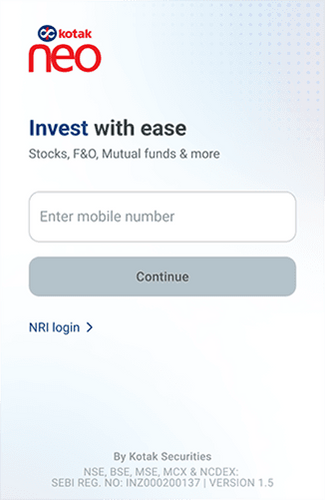
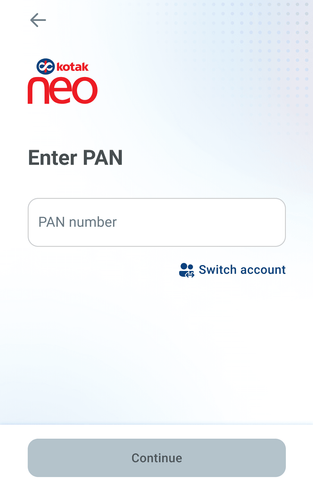
- Enter PAN linked to your trading account in given field
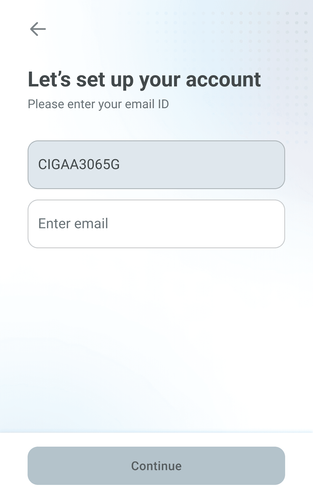
- Enter your registered email ID in the field given
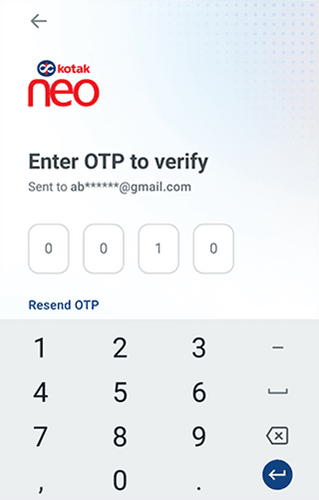
- Enter the 4 digit OTP received on your registered email address.
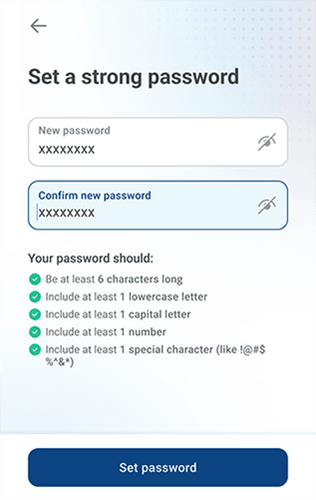
- Set your password
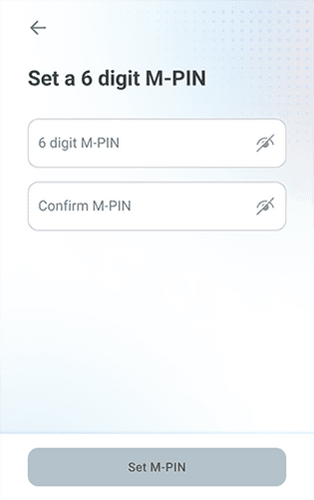
- Set your 6 digit M-PIN
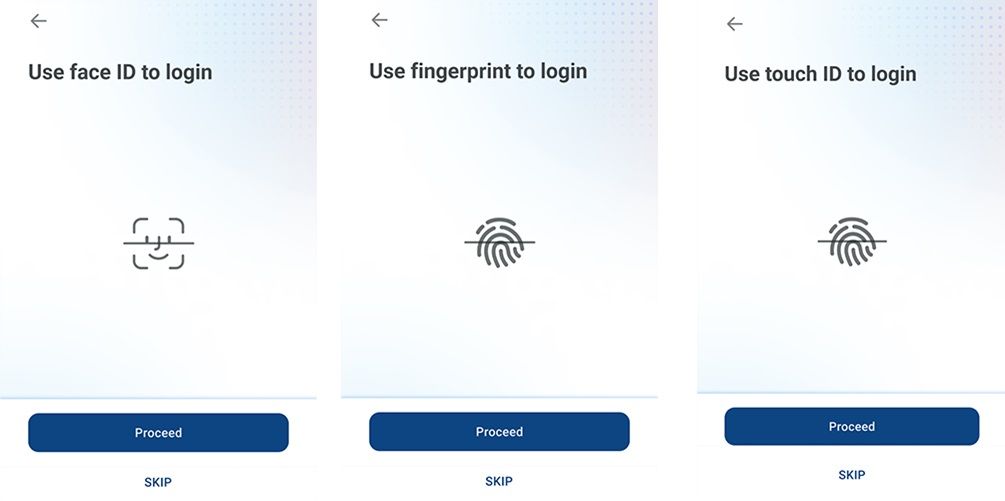
- Allow biometric access for faster logins
This feature is not allowed for this platform.
Did you find this helpful?
Open Demat Account Now