Where can I view my Account details?
This Statement reflects your transaction wise gain and loss for a particular financial year, including all charges. To view your gain and loss statement,
-
Go to profile section from top right corner of your home screen
-
Click on reports and statements
-
Click on the realized gain & loss statement. You will be redirected to the Kotak Neo website

- Select the financial year and transaction type and click on go
Check out this video to know how you can access your reports on the Kotak Neo app -
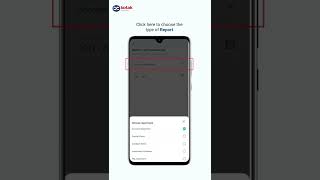
How to Access Reports on Kotak Neo
1.06
- Go to the ‘More’ in the menu at the bottom

- Scroll to ‘Tools and Resources’ Section

- Click on Reports and statements and you will find most of your details here.
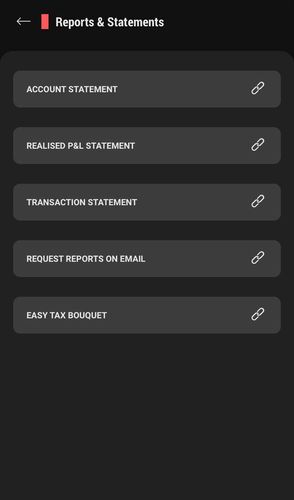
You can also view details pertaining to your account as below:
- Go to the ‘More’ in the menu at the bottom
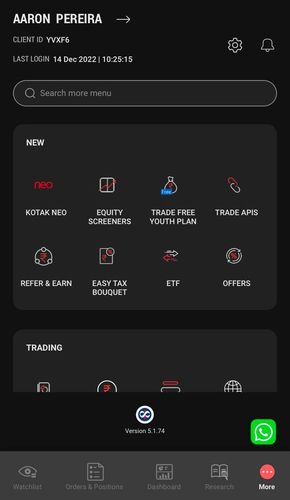
- Click on the Settings icon
- Click on Profile Settings - This will give you details recorded for your account with Kotak Neo


This feature is not allowed for this platform.
Did you find this helpful?
Open Demat Account Now