How can I get historical and current tax forms?
Tax forms are available online. You can access them by logging into your Global Investing account. Follow these steps:
- Log into your Global investing account
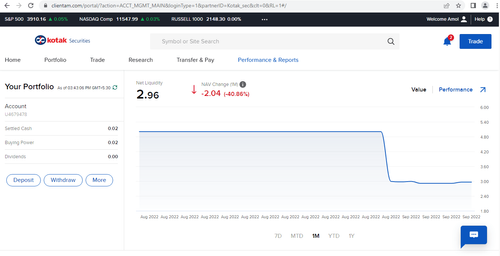
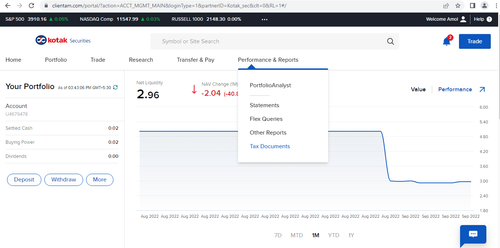
- Click on ‘Performance & Reports’
3 Click on ‘Tax Documents’
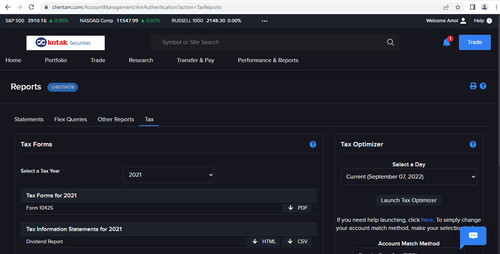
- In ‘Tax Forms’, select the relevant tax year and you will be able to view the tax forms currently available for your account.
Did you find this helpful?
Open Demat Account Now