Kotak Stock Trading
Empowering traders with advanced tools and real-time insights


Customer Reviews

With Shruti Nazare



Kotak Neo App
Unlock the power of smart investing on the go! Your gateway to intuitive trading, real-time market updates, and personalized investment strategies.

Kotak NEST
Unlock the power of Nest and enjoy seamless access to Kotak Neo. Evolve your experience with a contemporary interface designed to cater to your trading needs.


Frequently asked Questions
To login to your account, follow the below steps:
- Login to the Kotak Stock Trader Mobile Application with Username and password Note- Never share your password with anyone.
- Access code will be sent to you registered email and phone number
- Enter the Face ID Or Biometric.
Follow these steps to go to the Funds section:
- Go to the ‘More’ section in the menu bar given below
- Scroll to Trading
- Click on Funds
- This section will enable you to add or withdraw funds on the Kotak Stock Trader Mobile Application
To view the Account details, follow the below steps:
- Go to the ‘More’ in the menu at the bottom
- Scroll to ‘Tools and Resources’ Section
- Click on Reports and statements and you will find most of your details here.
You can also view details pertaining to your account by following these steps:
- Go to the ‘More’ in the menu at the bottom
- Click on the Settings icon
- Click on Profile Settings - This will give you details recorded for your account with Kotak Neo
Follow these steps to activate the segments:
- Go to ‘More’ section on the Menu Bar at the bottom after your login to the App
- Scroll down to the ‘Help & More’ section
- Click on Segment activation
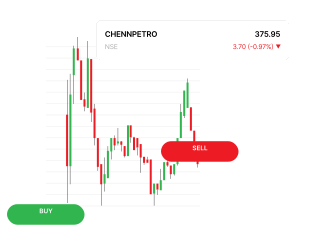
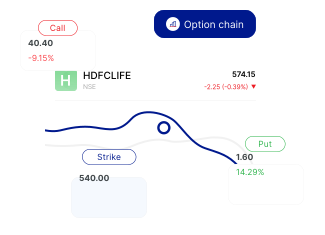
With Kotak Stock Trader, you can trade easily in Equity, Derivatives, Currency and Commodity segment. Along with this, you also get access to multiple financial products such as IPO, Mutual fund, Smallcase, SGB, Bonds etc. under one gamut.