Transferring Within NSDL (NSDL → NSDL)
- Updated: 22 May 2026, 5:16 PM IST
- | 4 min read
- 1,173
 Add Preferred News Source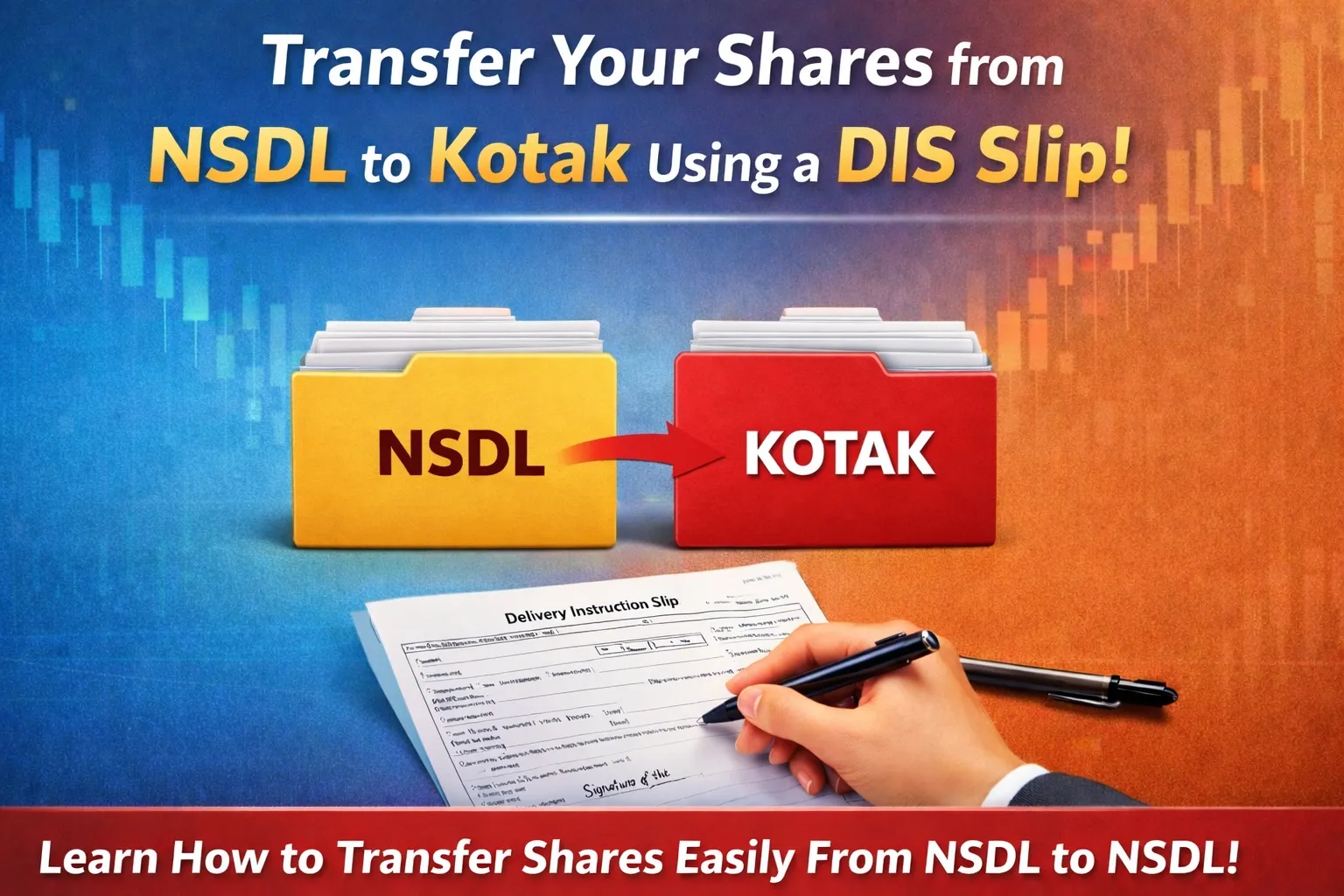
When This Applies:
Your old broker uses NSDL AND Kotak (which uses NSDL) – Both accounts are in the same depository.
Offline Transfer via DIS Slip (If You Prefer Paper)
If you prefer offline method, fill in a Delivery Instruction Slip (DIS) and send it to your broker to complete the transaction.
Step 1: Request a DIS Booklet
Contact your old broker via Call support/Email and ask for ‘DIS booklet for off-market transfer’.
You can also check for brokers website and download (If available)
Ensure you request:
-
NSDL DIS (not CDSL – they have different formats)
-
A physical booklet or printed slips
Step 2: Fill the DIS Slip
The DIS is a standard form with sections to fill:
Section 1: Your Account Details
-
Source DP ID: Your current broker’s DP ID
-
Source Client ID: Your 8-digit demat number
-
Your name: As per DP records
-
Your PAN
Section 2: Target Account Details
-
Target DP ID: IN300214 (Kotak’s NSDL ID)
-
Target Client ID: Your 8-digit Kotak demat number
-
Target DP Name: Kotak Neo
-
Target PAN: Your PAN
Section 3: Securities Details Create a list of what you’re transferring:
Section 4: Transaction Details
-
Transfer Type: Off-Market Transfer (not “Market Trade”)
-
Depository Type: NSDL-to-NSDL
-
Reason: “Own Account Transfer” or “Self-transfer”
-
Consideration Amount: 0 (no money involved)
Section 5: Sign the Slip
-
Date: Today’s date
-
Signature: Sign exactly as per your DP specimen signature (very important)
-
For joint accounts: All holders must sign in the correct sequence
Step 3: Submit the DIS
Choose Your Method:
Option A: In-Person at Branch
-
Visit your broker’s branch office
-
Bring the signed DIS slip
-
Hand over to the DP operations desk
-
Request: “Acknowledgment receipt with reference number”
-
Keep the receipt for tracking
Option B: Courier/Registered Post
-
Send via registered post with acknowledgment due
-
Keep the postal receipt
-
Send to your broker’s operations address
Option C: Email (if your broker accepts)
-
Scan the signed DIS clearly
-
Email to your broker’s support
-
Subject: “DIS for Off-Market Transfer – [Your Name]”
-
Keep the email confirmation
Step 4: Processing
Your broker’s DP team will:
-
Verify your signature and DIS details
-
Check that all info is correct
-
Submit to NSDL’s system
-
NSDL processes and executes the transfer
Timeline:
-
Broker processing: 2-3 working days
-
NSDL execution: 3-4 additional working days
-
Total: 5-7 working days (slightly longer than Speed-e)
Step 5: Verify in Kotak
Check your Kotak holdings within 5-7 days to confirm receipt.
✓Transfer Complete! The shares have moved from your old account to Kotak.
The content in this blog is intended purely for educational purposes. Any securities or mutual funds referenced are illustrative in nature and do not constitute a recommendation or endorsement by Kotak Neo. Investors are encouraged to assess their own financial situation and seek professional advice before making any investment decisions. For compliance T&C and disclaimers, Visit https://www.kotakneo.com/disclaimer/
0 people liked this article.

Kotak Neo (Kotak Neo) is India's venerable stockbroking company with a rich legacy. It offers comprehensive investment services across asset classes, prioritising a technology-first approach for a seamless experience. Trusted by 5 million+ customers, it guides you toward financial success with ease of investment and speed of trade.
Note: The opinions expressed in this blog are personal viewpoints and should not be construed as recommendations.