How to invest in NFO?
NFO can be purchased same as any other Mutual Fund scheme. Follow the below mentioned steps to invest in NFOs:
- Open Neo app
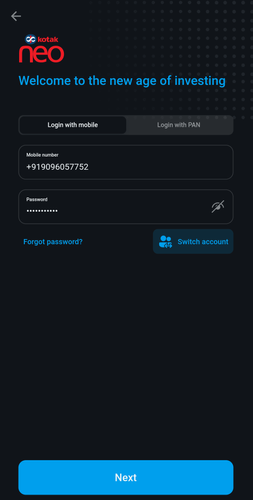
- Enter registered Phone number, password
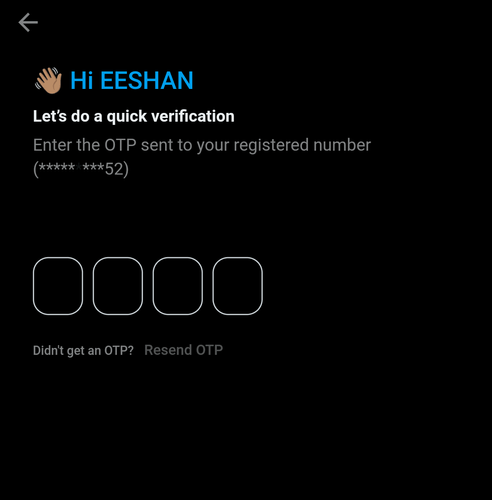
- Enter OTP sent to registered number
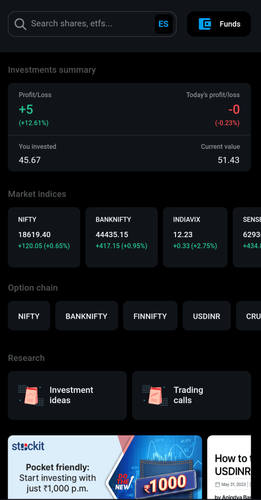
- After logging in, click on Invest from the bottom bar
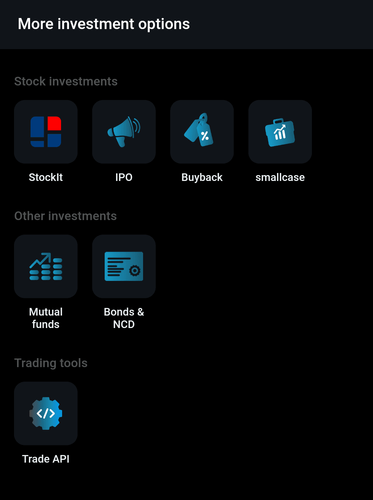
- Under Other Investments, select Mutual Funds
- Scroll down to see NFOs.
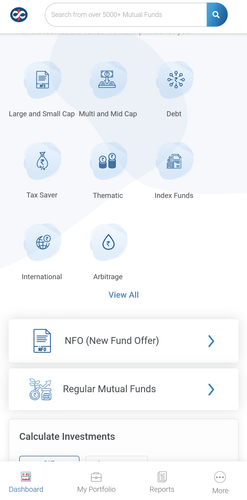
- You can view all the NFO that are currently live and details such as open date, close date, NAV, etc.
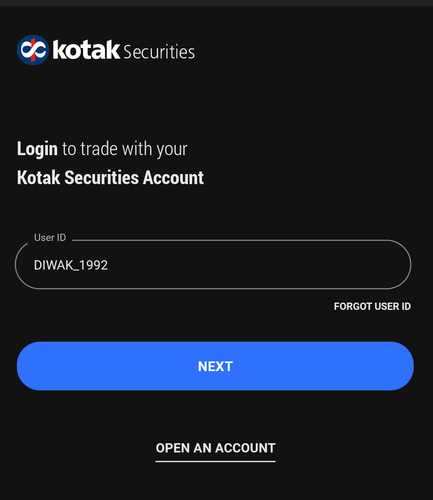
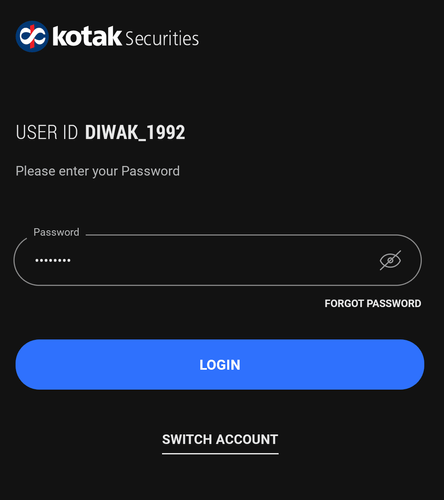
- Open Kotak Stock Trading app
- Enter User ID and password
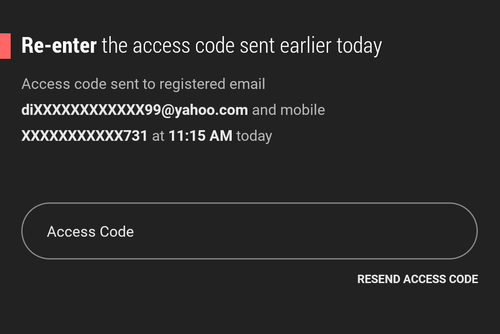
- Enter access code to login
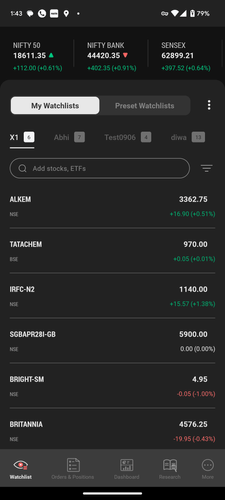
- After logging in, click on More from the bottom bar
- Scroll down to view Core Investments
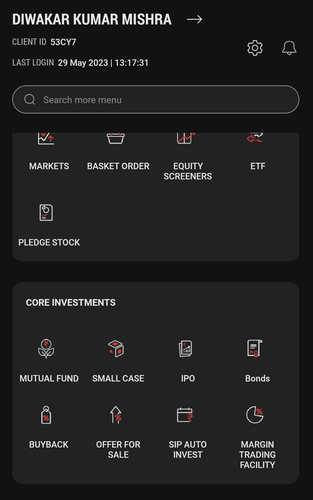
- Select Mutual funds
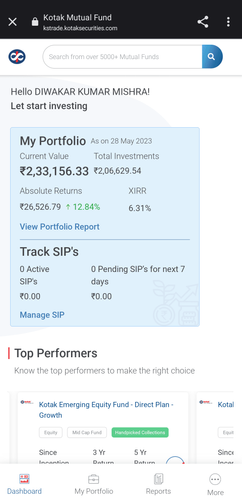
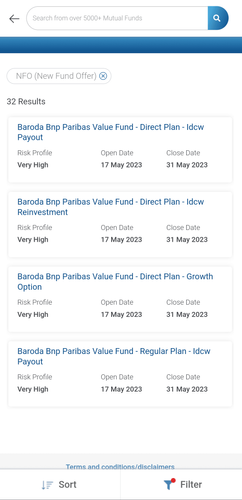
- Scroll down to see NFOs. Q19.1.jpg
- You can view all the NFO that are currently live and details such as open date, close date, NAV, etc.
This feature is not allowed for this platform.
Still have questions?
Where can I check my Mutual Fund holdings? / Where can I check my MF holdings? / Where can I check my Mutual Fund Portfolio?
I have redeemed my Mutual Fund, when will I receive my money in bank?
How much time will it take for my MF order to reflect in Portfolio?
Why isn’t the NAV date updated in my Mutual Fund portfolio?
Open Demat Account
Open Demat Account