 Add Preferred News Source

1,063 Views| 18 Nov 2026
How To Check EPF Balance, Download Passbook And View Recent Transactions On WhatsApp Using EPFO's Official Number
Summary
EPFO members can check PF balances, download passbooks, and view their last five transactions on WhatsApp using the official number. Read more to follow the steps.
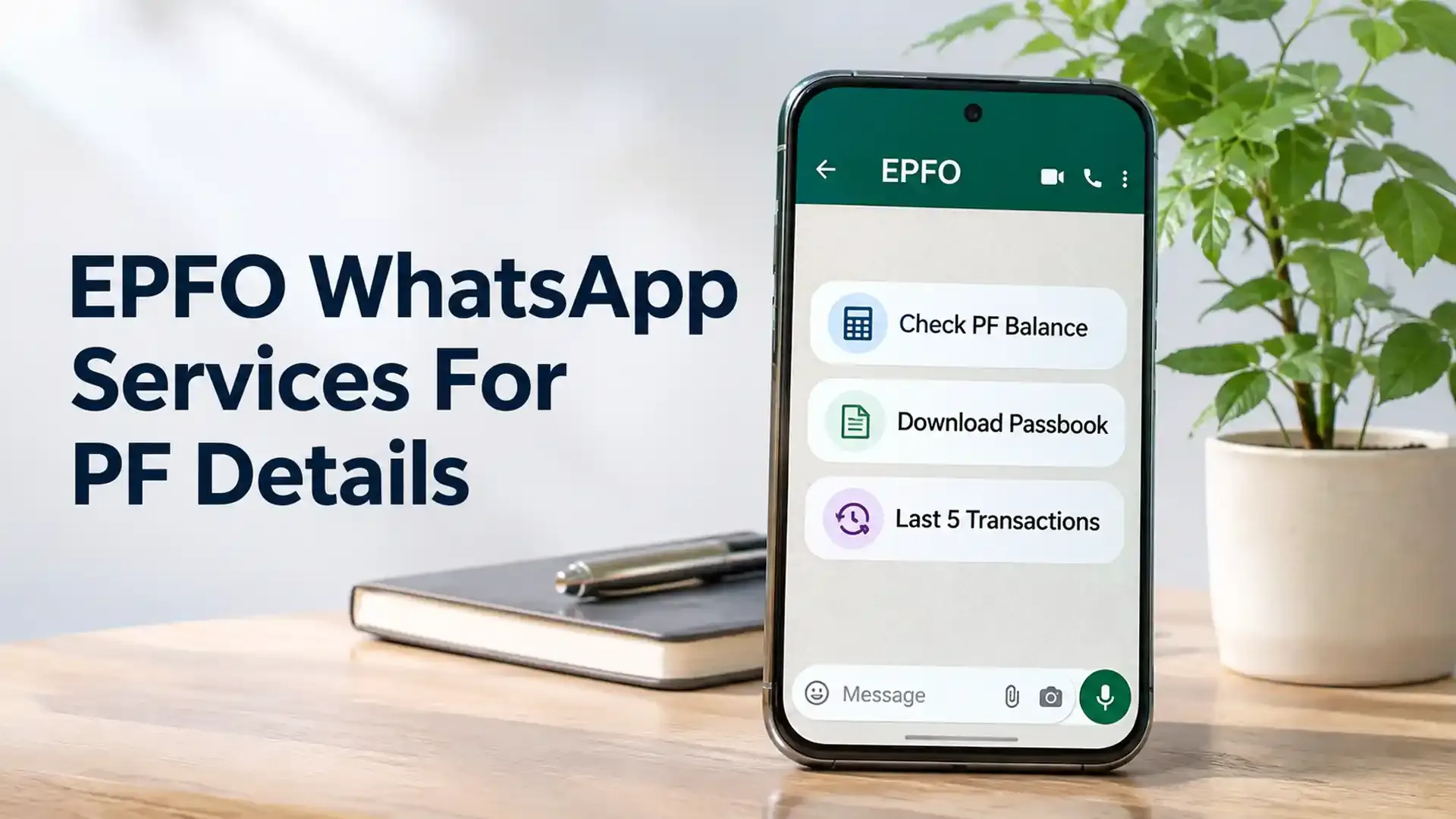
Locked your password out of the EPFO portal? You can still access your provident fund details. Since 1 November 2026, EPFO members can pull up their balance, passbook, and last five transactions on WhatsApp. Union Labour and Employment Minister Mansukh Mandaviya launched the facility at EPFO’s 74th Foundation Day event.
The EPFO WhatsApp service runs on +91 87964 41800. Message that number and the chatbot walks you through the rest. Keep the mobile number linked to your Universal Account Number (UAN) within reach, since verification happens through an OTP sent to it.
How To Check PF Balance On WhatsApp
No website login, no extra app. Everything happens inside a chat. Here’s how to check PF balance on WhatsApp:
- Save +91 87964 41800 to your contacts, or scan the QR code from EPFO’s official announcement.
- Send ‘Hi’ to that number.
- Pick your preferred language when the chatbot asks.
- Choose the PF balance enquiry option.
- Type in the OTP that arrives on your UAN-linked mobile.
- If more than one member ID is tied to your UAN, select the account you want.
- Your balance shows up right in the chat.
Have your registered phone ready before you begin. If you can’t receive the OTP, the process stops there.
EPF Passbook Download And Recent Transactions
Knowing your balance is useful, but it doesn’t tell you how that money got there. The passbook does. The EPF passbook download works much like the balance check: message ‘Hi’, choose the passbook option, verify with the OTP, and select your PF account. The chatbot then sends the passbook for you to view or save.
It lists what you and your employer have contributed, along with withdrawals and other entries. It’s the quickest way to confirm your monthly contribution actually landed.
If you only want a quick look at recent activity, pick ‘Last 5 Transactions’ from the menu. Once you’ve verified and chosen your account, the five newest entries appear. You skip downloading the full passbook just to see what changed lately.
When The EPFO WhatsApp Service Doesn’t Respond
If the chatbot goes quiet or the OTP never shows up, first confirm that your mobile number is actually linked to your UAN. Then give it a few minutes and try again.
The EPFO member portal and the UMANG app still work for anyone who cannot use WhatsApp.
A quick safety reminder: contact EPFO on WhatsApp only through +91 87964 41800. Anyone offering help and asking for your UAN password, ATM PIN, or bank details is not to be trusted. And never hand your OTP to another person.
One limit to remember. This facility is for viewing your PF account information only. You cannot file a withdrawal claim or move money between EPF accounts through it.
This article is for informational purposes only and should not be considered investment advice from Kotak Neo. For compliance T&C and disclaimers, Visit www.kotakneo.com/disclaimer
About the Author

Vishwa Ved
Vishwa has spent 10+ years across fintech and FMCG doing what most people miss, connecting the dots, catching trends before they trend, and finding the angle nobody else thought to ask about.
At Kotak Neo, she drives content strategy for neoshorts, Kotak News Desk, and Investing Guide, turning market noise into something worth reading.
When she's not decoding markets, she trades charts for canvases, chasing art, painting, and architecture across cities she's yet to explore.
Right Tools, Rich Insights

Latest News
- 1,064 Views| 18 Nov 2026
- 1,021 Views| 18 Nov 2026
- 1,085 Views| 18 Nov 2026
- 1,006 Views| 18 Nov 2026
- 1,032 Views| 18 Nov 2026
- 1,096 Views| 18 Nov 2026
- 1,040 Views| 18 Nov 2026
- 1,053 Views| 18 Nov 2026
- 1,086 Views| 18 Nov 2026